
Learning Figma
Whilst at Intuitiv, I used software such as Figma which allowed me to design websites from scratch. Building pages piece by piece, adding navigation text and images.
A bit about Figma
The website itself is easy to use once familiarizing yourself with its basic features. With the addition of creating blank canvases, laying out and creating content blocks with interactive elements, the site is reliable to use and extensive, allowing you to create complex sites from scratch.
My experience with Figma
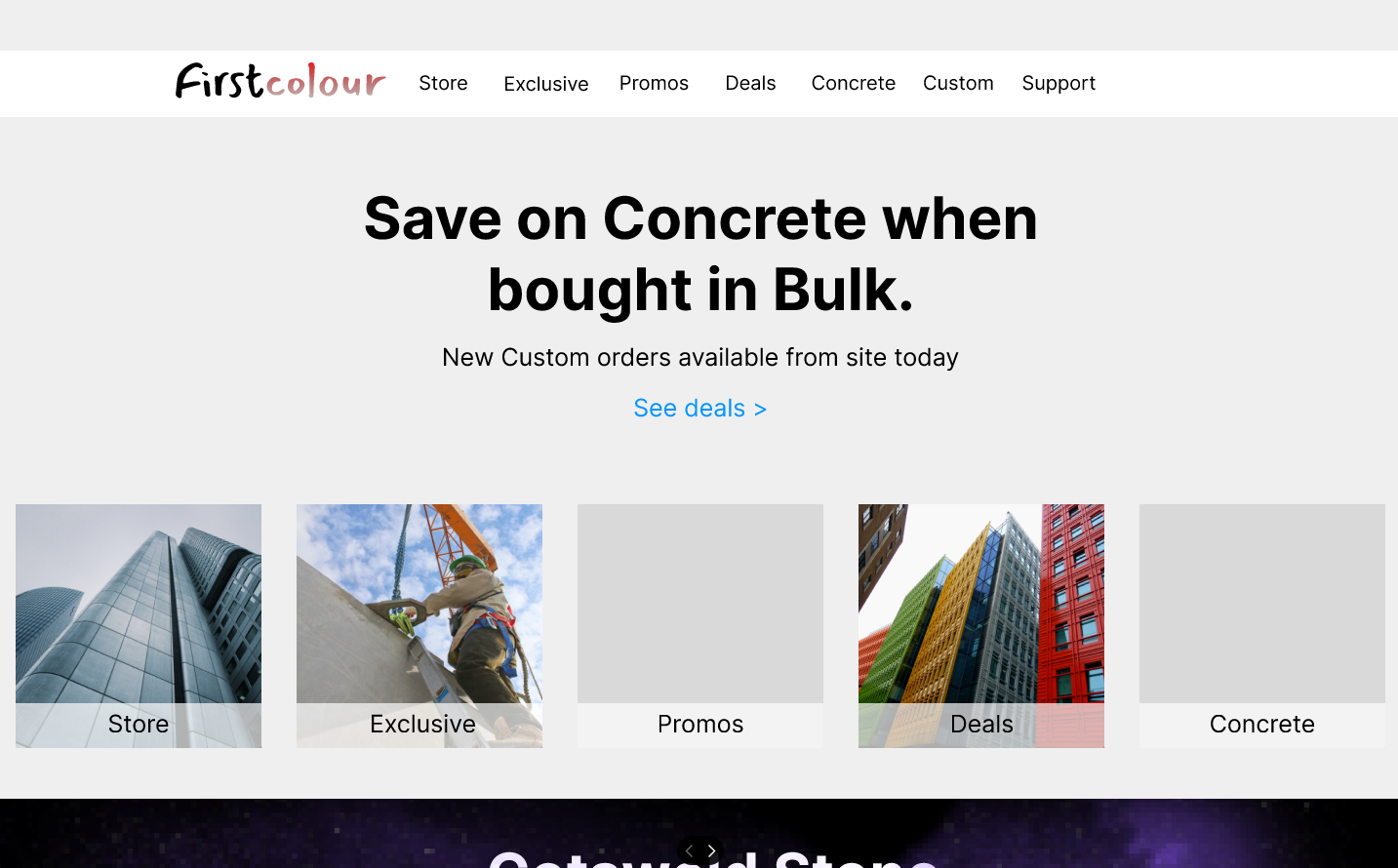
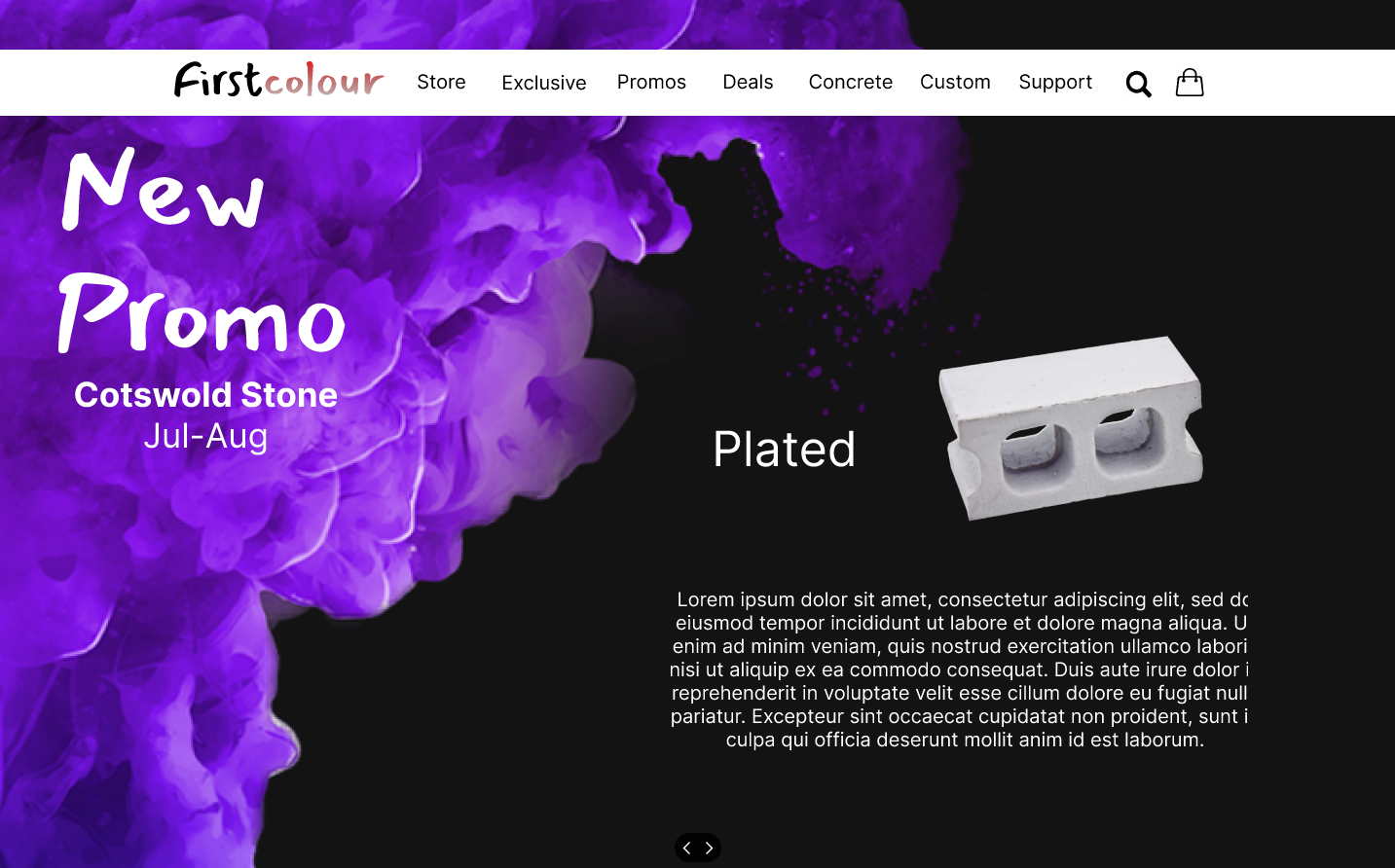
After learning the basics I experimented with my own site, creating the first prototypes to the websites pages. Using the 'First-colour' brand as a placeholder for the site (see First-colour page), I designed a home page, subpages, navigation, footers, contact pages and product images.
Home page
Promo page
Changing the original business modal for first-colour from a local printing site, to a construction site, selling concrete, timber, ect... allowed me to dessign the site bassed arround diffrent company values. For example, keeping in mind what kind of people would be buying from my site, the kind of companies, if product is available to be bought in bulk or just for DIY, at home projects.
Second site (Learning Figma)
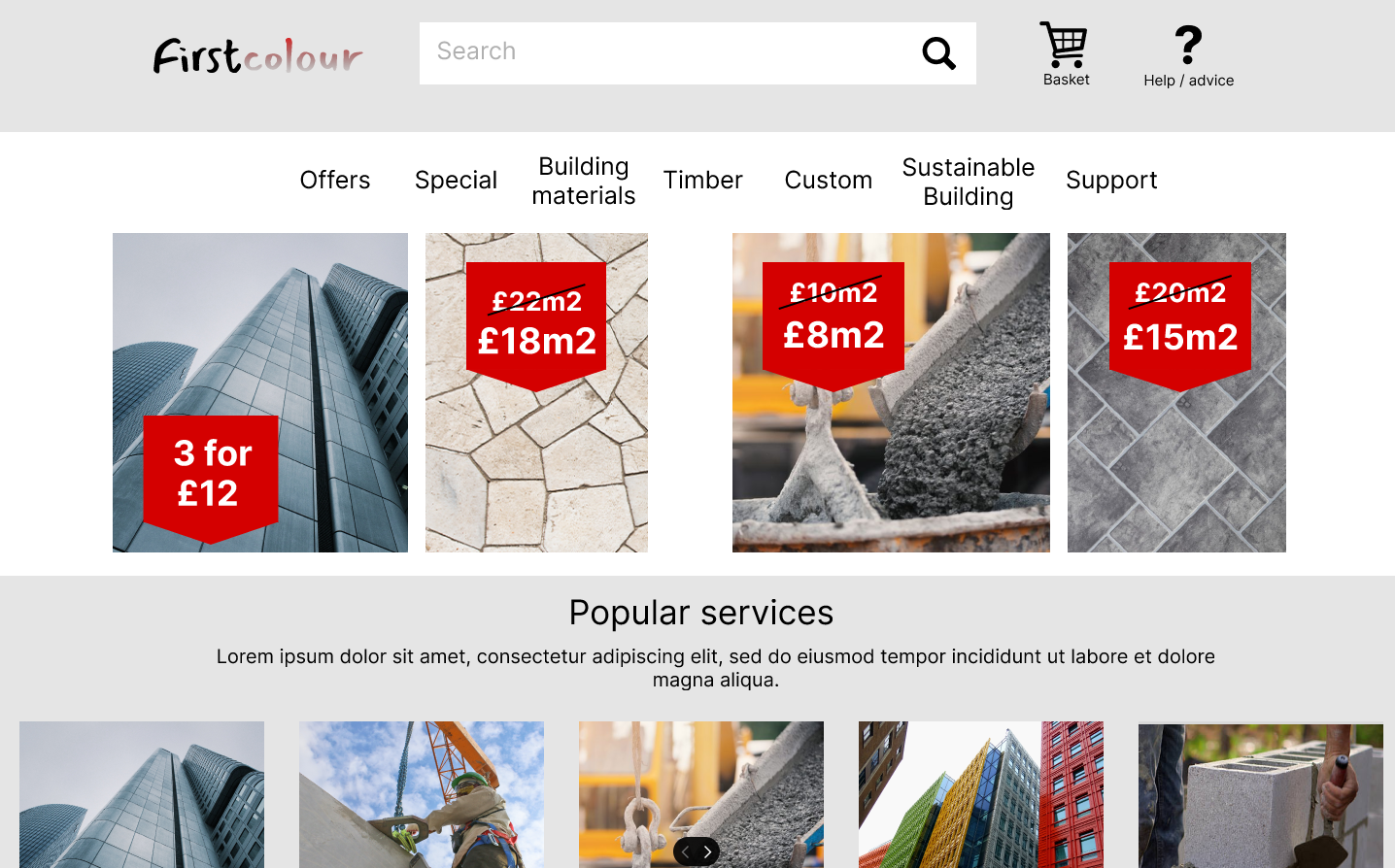
After consideration, I decided to create a second site which would include all original values I considered for the first site. Settling for a new design, new product imagery and navigation, more likely to appeal to somebody visiting the site.
Home page/ Navigation
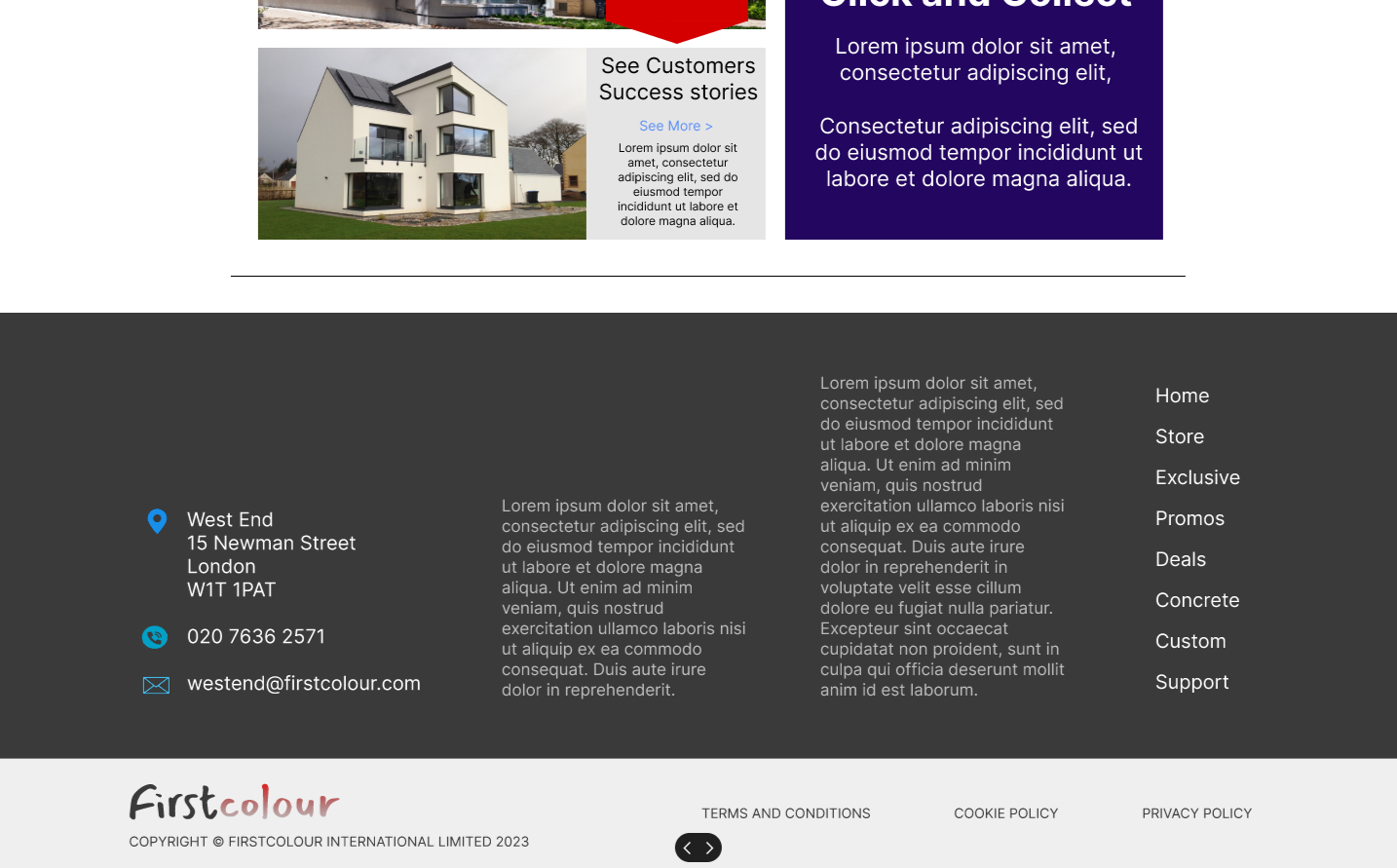
Footer/ deal page
In addition, I designed a clean looking footer, which demonstrates easy contact info and navigation for the whole site.
Adding customer success stories and guaranties, the website began to feel more complete.
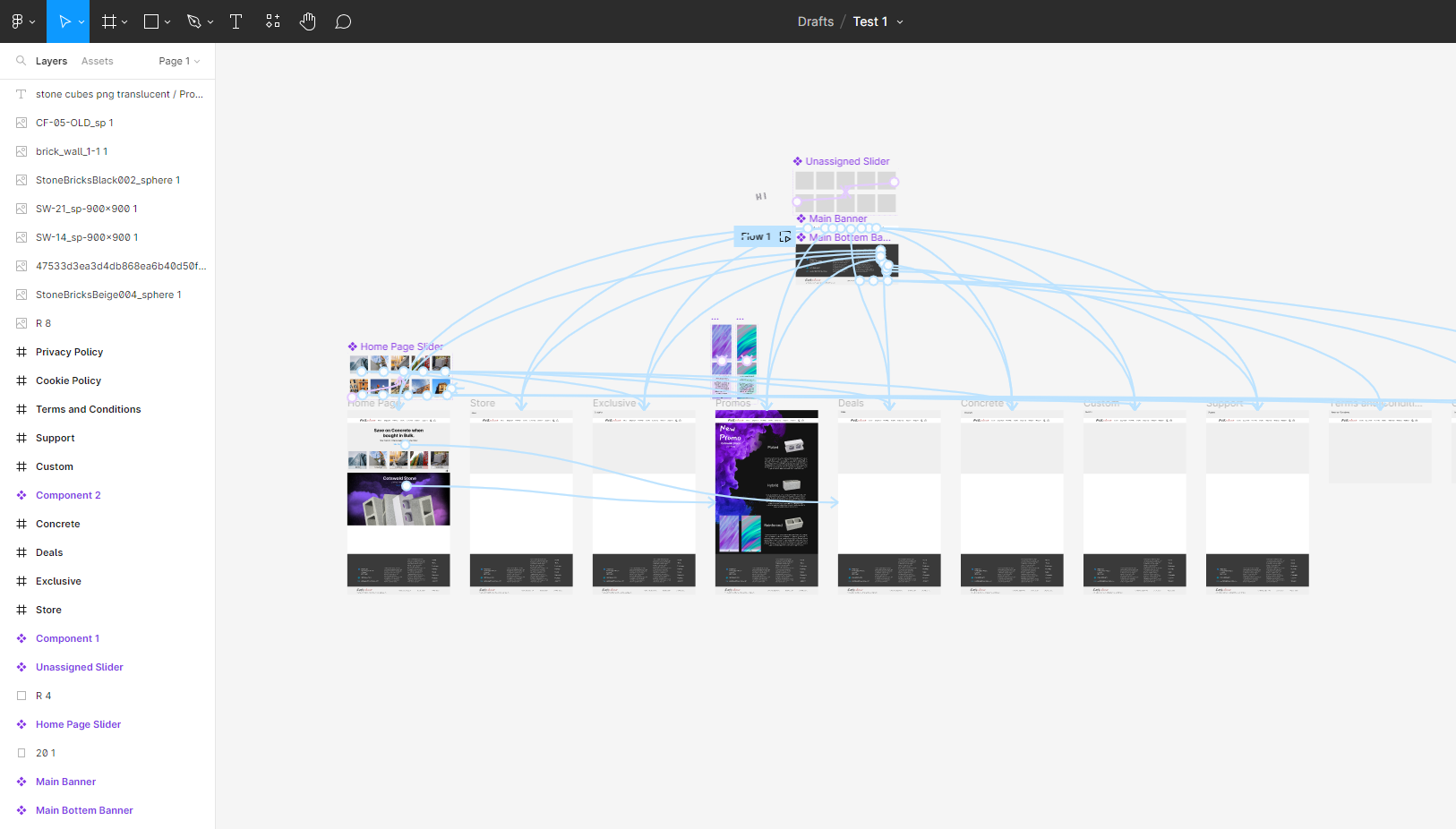
Test 1/ canvas layout
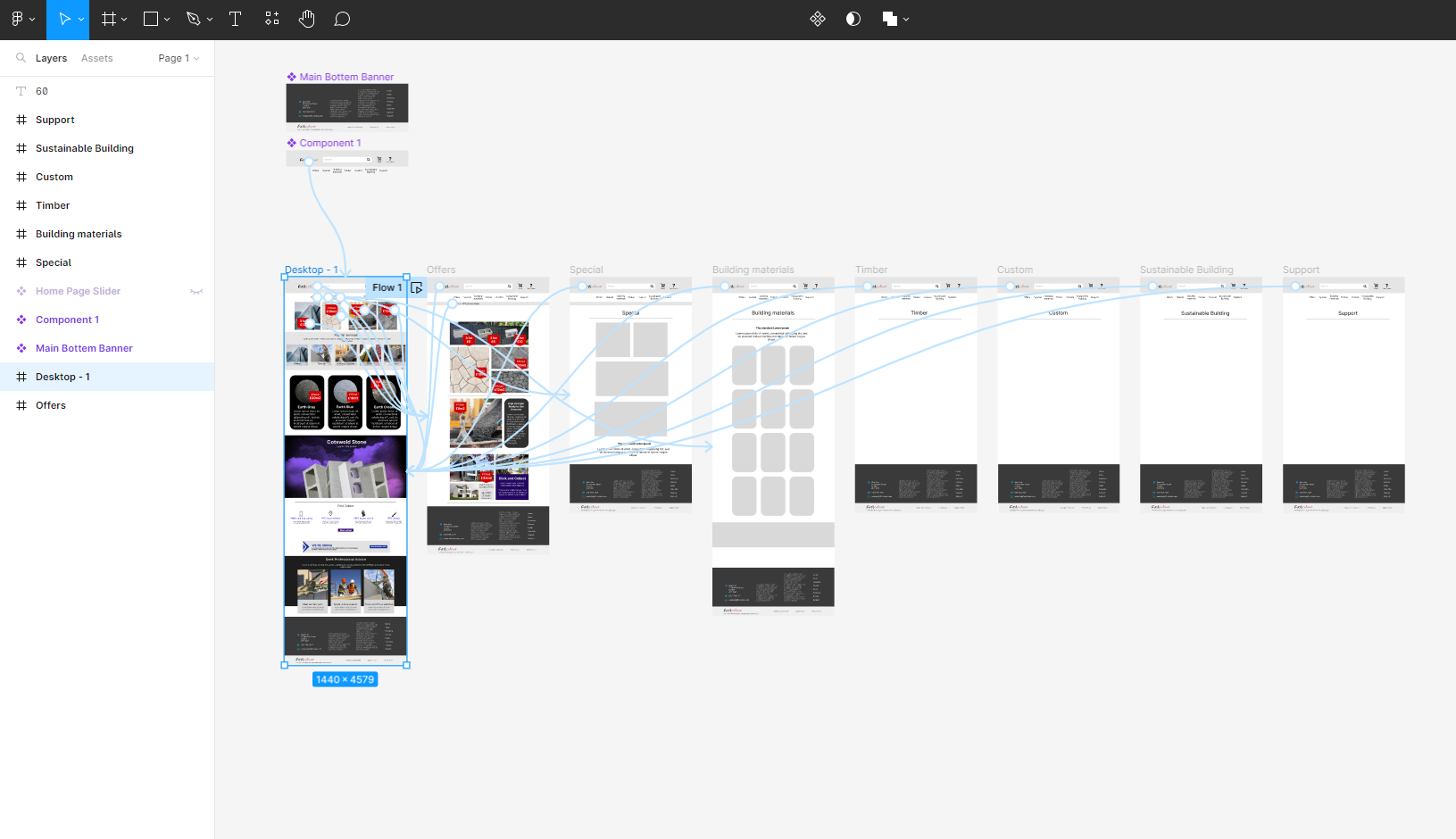
Test 2/ canvas layout
More examples of Figma website pages...
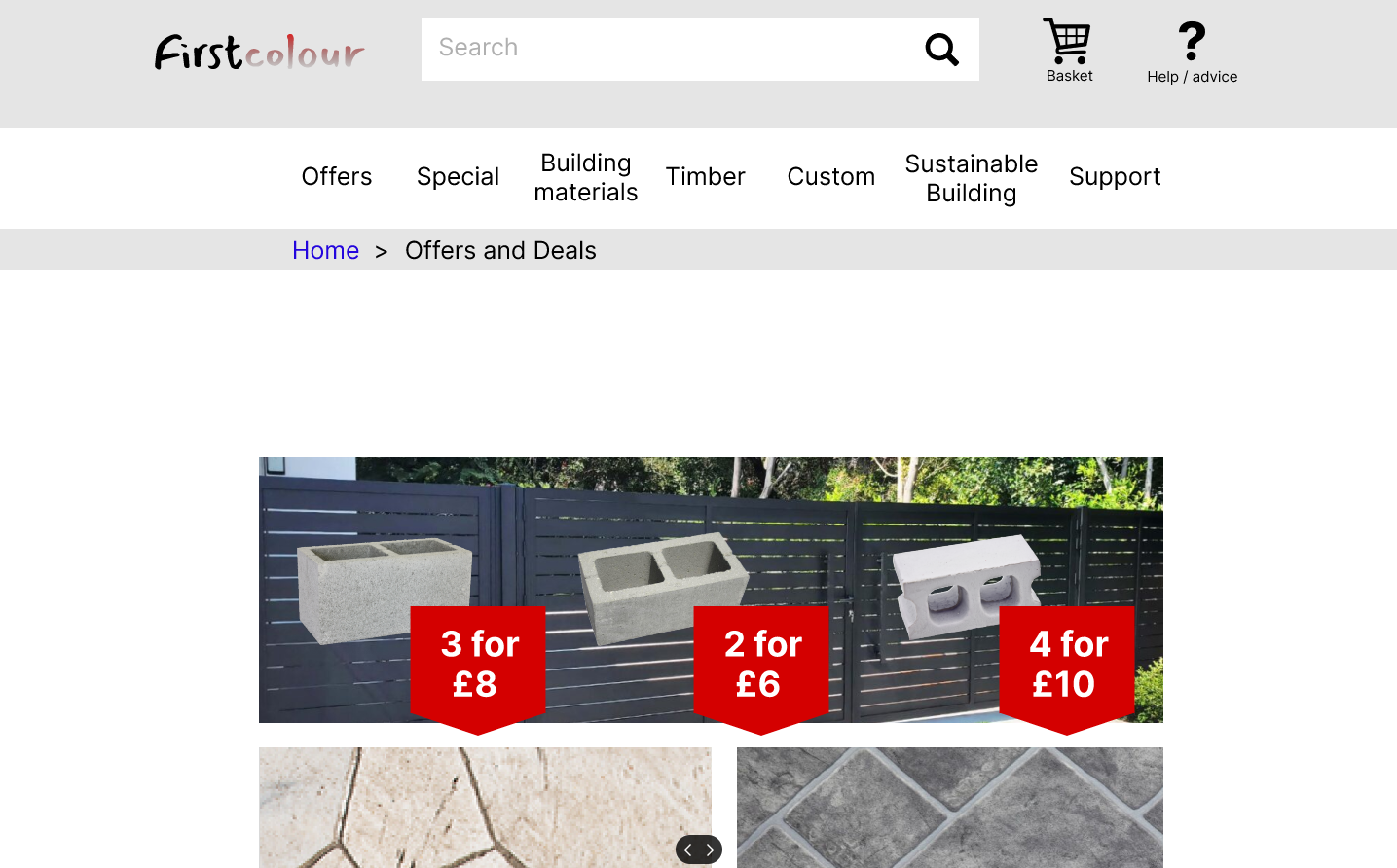
Deal page
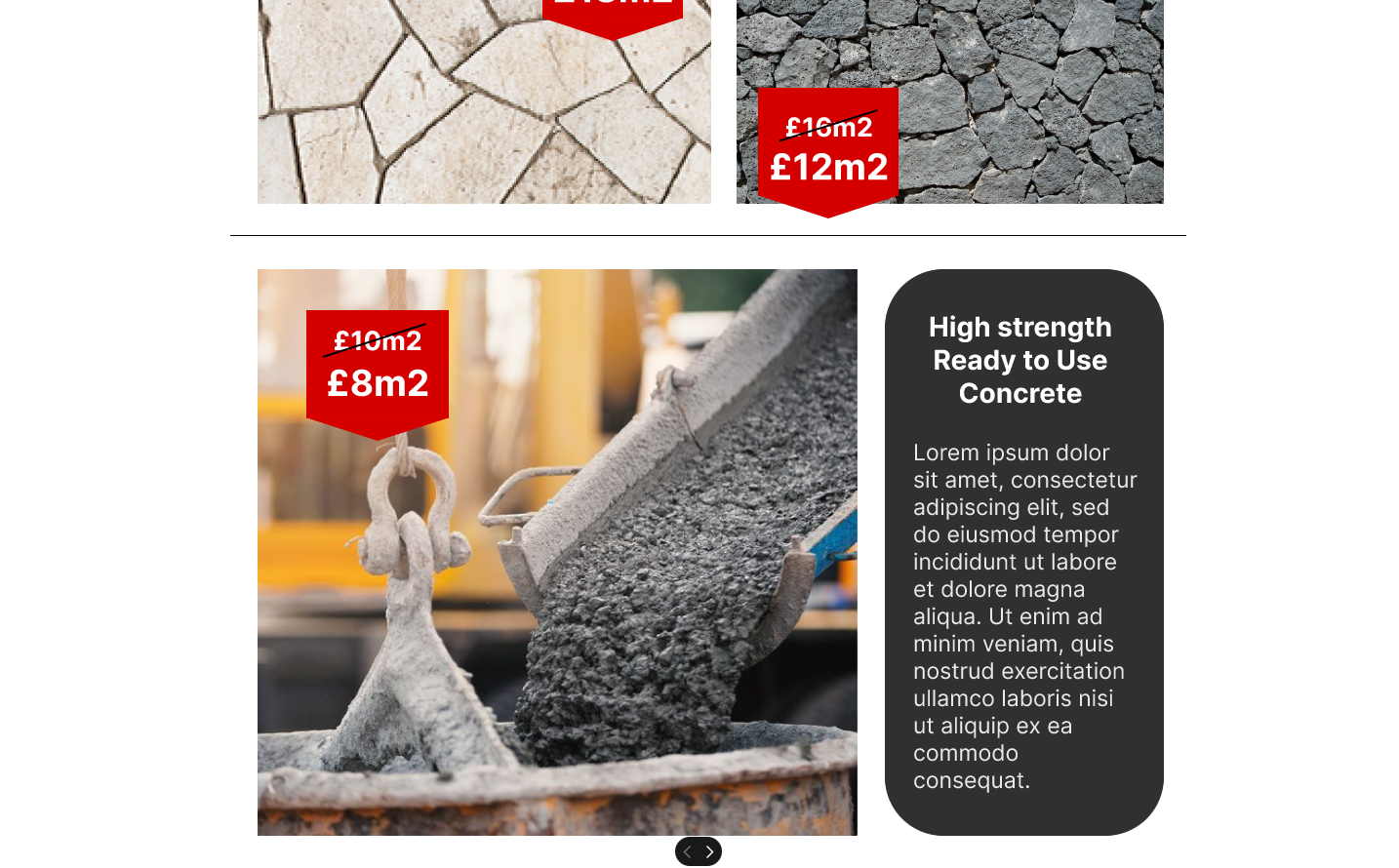
Deal page and navigation